Etsy Listing Video Ideas From Product Photos
You do not need to film a separate video. A good listing video can come from the photos already in your Etsy listing.
The five-photo listing video
This works for most handmade products and keeps the video focused.
- clean hero image.
- second angle.
- detail close-up.
- scale or lifestyle context.
- packaging, texture, or in-use shot.
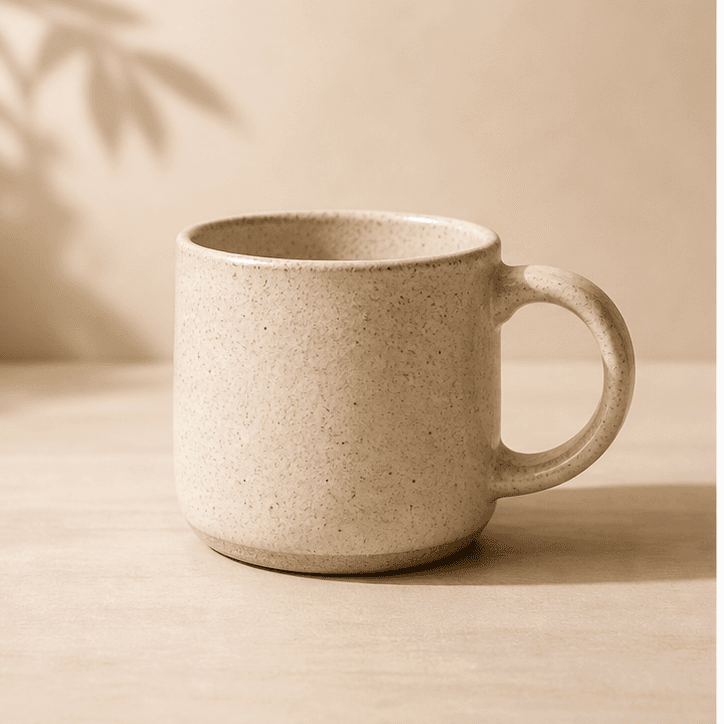
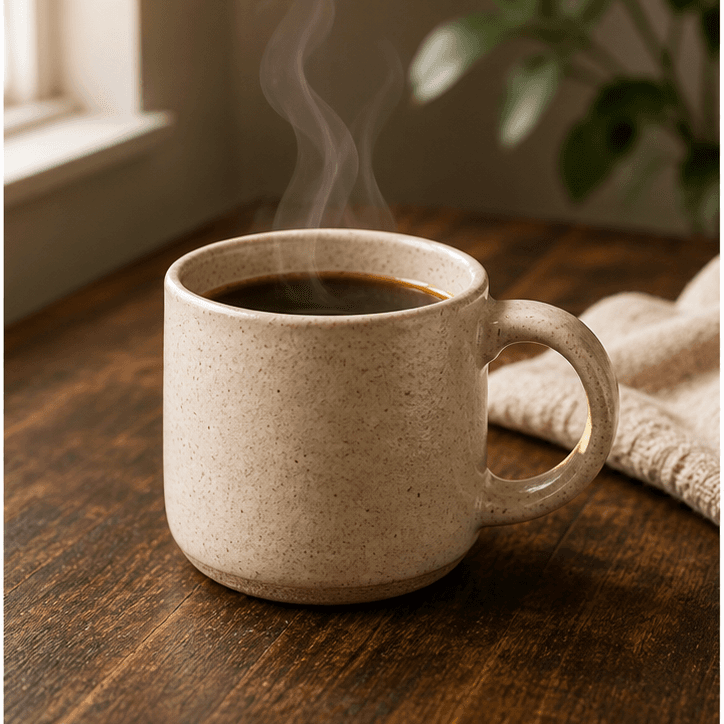
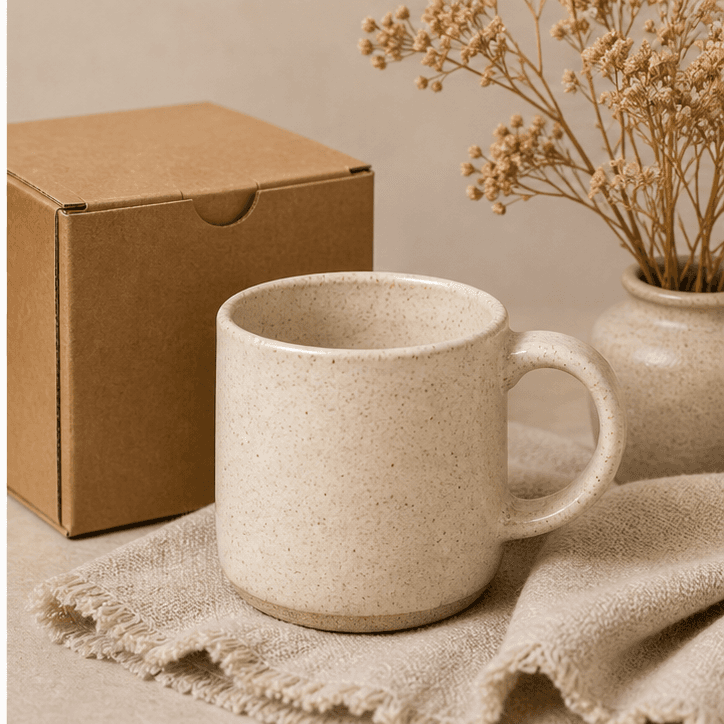
Each photo should add information instead of repeating the same view.
Ideas by product type
Choose photos that answer the buyer's hidden questions: What does it look like up close? How big is it? What will arrive in the box?
- Jewelry
- shine, clasp, scale on hand, packaging.
- Candles
- label, wax texture, jar size, shelf scene.
- Prints
- full artwork, framed view, wall scale, paper detail.
- Soap
- color, texture, ingredients, wrapped bar.
Skip text-heavy videos
Etsy videos play without audio. Let the product photos do the work.